GPS
Configuring the GPS
Configuring the computers to read the ship’s GPS
1. Use the serial to USB adapter cables (e.g. Keyspan Tripp-Lite), or the RS-232 GPS adapter
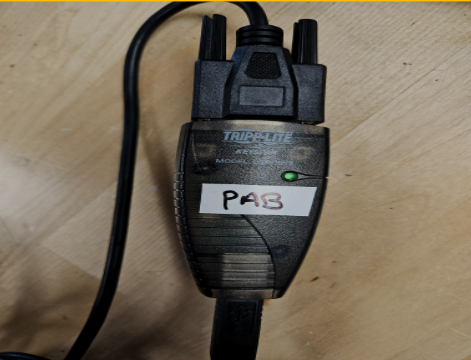
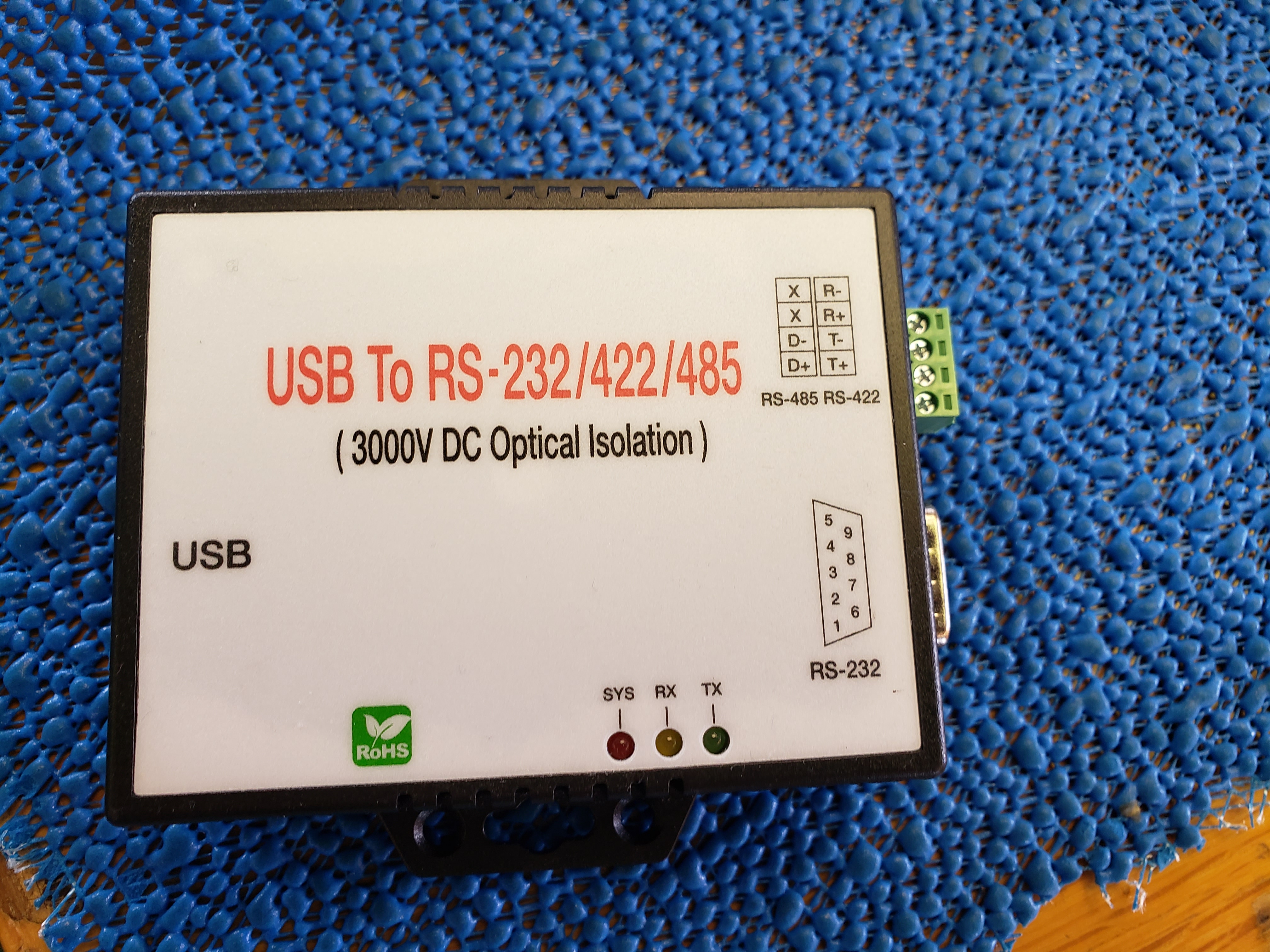
For the Keyspan Tripp-Lite installation:
  1. Requires driver: USA-19HS Windows (2000, XP, 2003 Server, Vista)\_v3.7S
  2. Make sure that Windows Security \> Device Security \> Core Isolation \> Core isolation details \> Memory integrity  \> Toggle the switch to “Off” otherwise the computer cannot install the driver (even with admin priviledges)
For the RS-232 installation: add text here- to do by Jennifer or Shannon
- Plug in the GPS USB AFTER the computer has been restarted otherwise will have the jumpy mouse problem
- To resolve the jumping mouse, disconnect the GPS USB and you will probably have to log off or restart the computer. Once you have logged back in, reconnect the GPS USB
- If that doesn’t work, go to the device manager > Mice and other pointing devices > Microsoft serial ballpoint > Uninstall
- To resolve the jumping mouse, disconnect the GPS USB and you will probably have to log off or restart the computer. Once you have logged back in, reconnect the GPS USB
- Use the Device Manager to make sure the USB-1280LS is registering under the COM port section
- If you need to change the COM port within Pamguard, go to Settings > NMEA parameters > Serial settings > Port
- To confirm Pamguard is reading the incoming GPS data go to Settings > NMEA data collection > NMEA data strings (should see it update)